
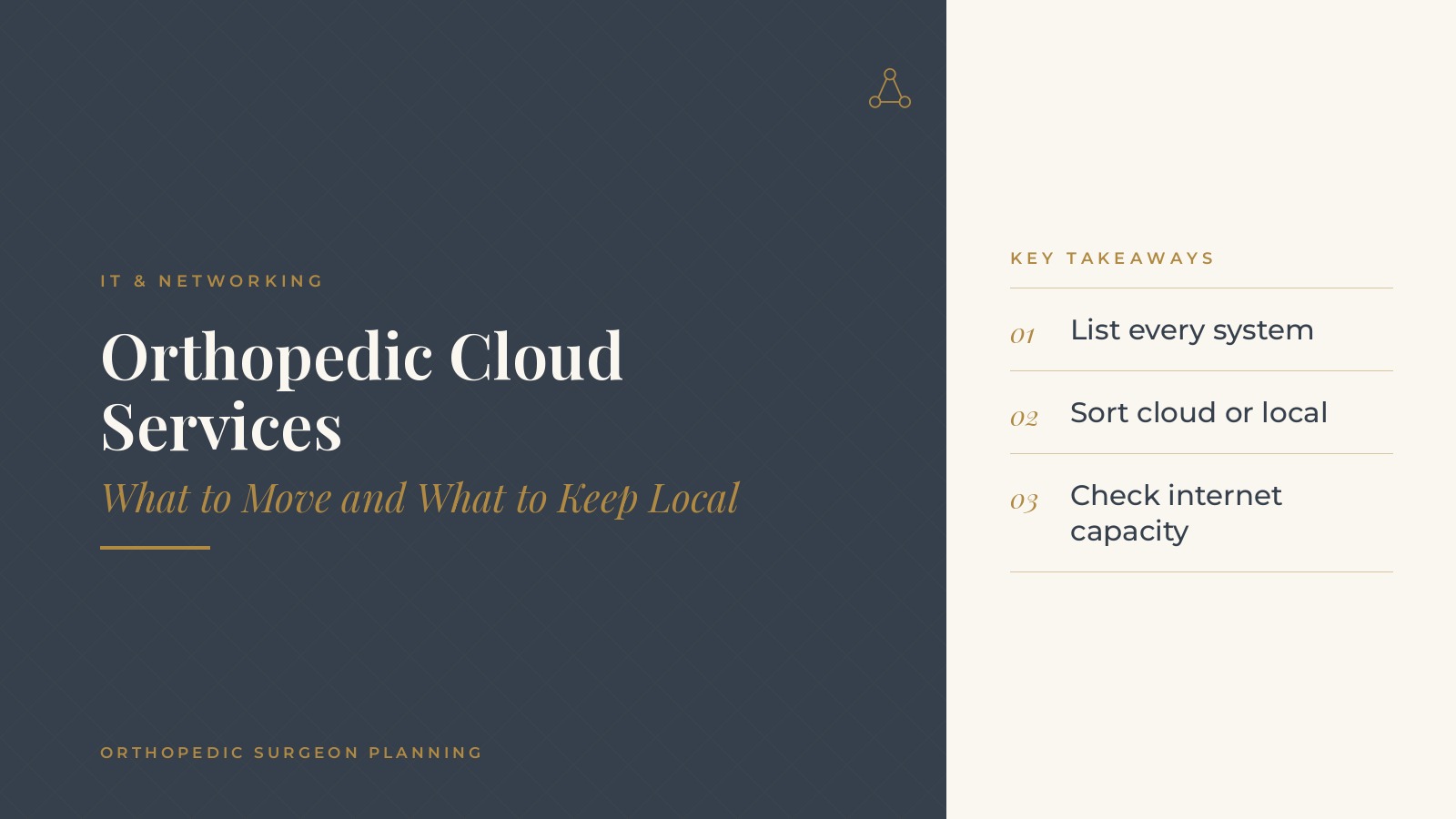
Orthopedic Cloud Services | What to Move and What to Keep Local
Orthopedic cloud services are the computing tools a practice runs on a provider's servers over the internet instead of on equipment in the office. Email, file storage, phone systems, scheduling tools and backups are common examples, while some systems, such as imaging equipment and local network gear, often stay on site. In short, orthopedic cloud services planning starts with a list of every system the practice uses, a decision about which ones move and which stay local, a check of internet capacity at each office and a staged move with clear dates. An independent IT professional can help weigh each choice. This resource from Orthopedic Surgeon Planning explains what practices commonly move to the cloud, what they often keep local, how internet needs change and the questions practices bring to an IT professional.
Key takeaways
- List every system the practice uses.
- Sort each system into cloud or local.
- Check internet capacity at every office.
- Move one system at a time with clear dates.
- Keep copies of important data in a second place.
What orthopedic cloud services include
Email and office tools
Cloud email, calendars and document tools are often the first systems a practice moves. Staff can reach them from any office or device with the same sign-in.
File storage and sharing
Shared online folders replace a file server in the back room. Several people can work on the same document, and earlier versions can be restored.
Phones and communication
Hosted phone systems run in the cloud and connect desk phones and softphones across locations. Call menus, ring groups and voicemail are managed through an online portal rather than a closet full of equipment, which makes changes for a new location or a new staff member quicker.
Backups
Cloud backup services keep copies of important data away from the office, so a local equipment problem does not mean lost files.
What orthopedic practices often keep local
Imaging equipment
X-ray and other imaging equipment connects to local workstations and often stores studies on site before they are sent elsewhere. Large image files and equipment requirements are common reasons to keep parts of this workflow local.
Network equipment
Firewalls, switches and wireless access points stay in the office because they connect local devices to each other and to the internet.
Devices with special connections
Printers, label makers, scanners and some clinical devices rely on local connections. A plan should list each one and note how it will work after other systems move.
Orthopedic Surgeon Planning can introduce you to independent IT and cloud services professionals who work with orthopedic practices on cloud planning, system moves and everyday IT operations. To request an introduction, contact us or call or text (972) 616-4581. You can also read about orthopedic practice cloud services.
Deciding what to move to orthopedic cloud services
Start with a full inventory
A simple list of every system, who uses it, where its data lives and who supports it gives the practice a clear starting point. The guide to orthopedic IT support covers how support relationships are commonly organized.
Ask a few questions per system
For each system, practices often ask whether it is available as a cloud service, how staff would reach it, what happens if the internet goes down and how data would be moved.
Move the easiest systems first
Email and file storage are usually simpler to move than systems tied to equipment. Early wins build staff confidence for later steps.
Internet and network needs
Enough capacity
When more work happens in the cloud, each office depends more on its internet connection. An IT professional can review current speeds and usage before the move.
A backup connection
Many practices add a second internet connection from a different provider, so the office keeps working if the main line fails.
Wireless coverage
Strong wireless coverage in exam rooms, imaging areas and the front desk keeps laptops and tablets connected throughout the day.
Separate guest access
A separate guest wireless network for patients and visitors keeps their devices apart from the network staff use for daily work, which many IT professionals set up as a standard step.
Moving systems in stages
One system at a time
Moving one system at a time, with a set date and a short training session, keeps the front desk and clinic running.
Test before the switch
A small group can try each new tool for a week before the whole practice moves. Their feedback catches problems early.
Plan around clinic days
Many practices schedule moves for evenings or weekends and avoid the busiest clinic and surgery days. A short checklist for the morning after each move, covering sign-in, email, shared folders and printers, helps staff confirm everything works before patients arrive. The guide to orthopedic office relocation covers similar planning when equipment and systems move between buildings.
Keeping cloud systems dependable
Copies of important data
Even cloud systems benefit from a second copy of important data. The guide to orthopedic practice backup explains how practices plan backups.
Strong sign-in habits
Multi-factor sign-in and prompt removal of accounts when staff leave protect cloud accounts. The guide to orthopedic practice cybersecurity basics covers everyday habits.
A yearly review
Once a year, many practices review which systems are in the cloud, which are local and whether any changes make sense. The same review is a good time to confirm who has administrator access, which accounts are no longer needed and whether each office's internet connection still meets daily needs.
Questions to ask an IT professional
Planning questions
- Which of our systems are good candidates to move, and which should stay local?
- Is our internet connection ready, and do we need a backup line?
- In what order will systems move, and on what dates?
- How will staff be trained at each stage?
- Who is the contact for problems during and after each move?
Keep administrator access with the practice
Many practices ask that administrator accounts for cloud services stay under the practice's own control, with the IT professional added as a delegated user. That keeps access with the practice.
Frequently asked questions
What are orthopedic cloud services?
They are computing tools a practice runs on a provider's servers over the internet, such as email, file storage, hosted phones and backups, instead of on equipment in the office.
What do orthopedic practices usually move to the cloud first?
Many start with email and file storage, then consider phone systems, backups and other tools once staff are comfortable with the first moves.
What usually stays local?
Imaging equipment workflows, network equipment such as firewalls and switches and devices that need local connections, such as some printers and scanners, often stay on site.
Does moving to the cloud change internet needs?
Yes. Offices rely more on their internet connection, so many practices review capacity and add a backup connection from a second provider.
Who helps plan a move to cloud services?
An independent IT professional usually reviews current systems, recommends an order and supports each move, while a practice manager coordinates dates and training.
Request an introduction
Orthopedic Surgeon Planning can introduce you to independent IT and cloud services professionals who work with orthopedic practices on cloud planning and IT operations. Learn more about orthopedic practice cloud services, then take the short Orthopedic Surgeon Planning Business survey and request an introduction. You can also call or text (972) 616-4581, or contact us. The form goes to [email protected].