
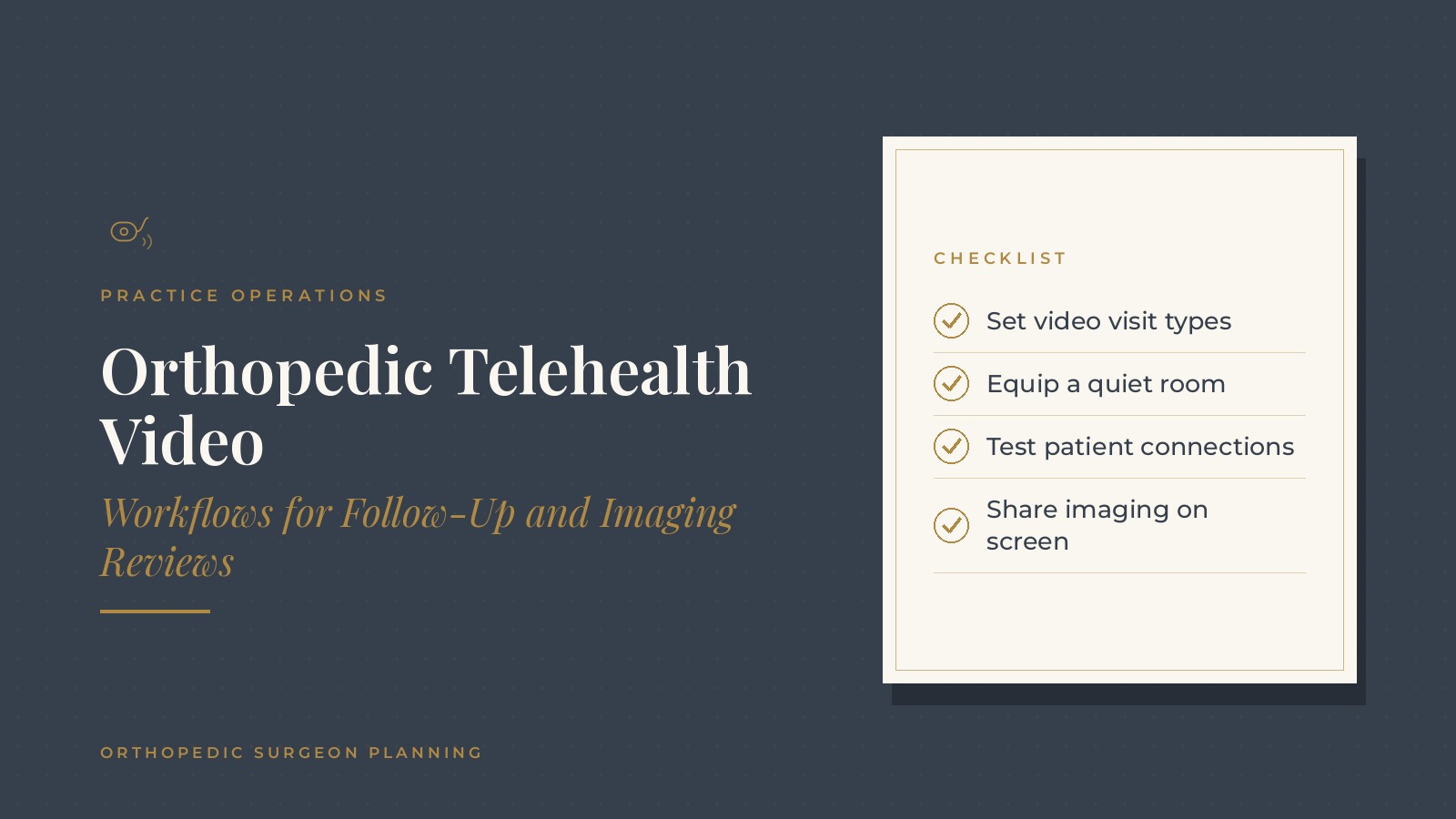
Orthopedic Telehealth Video | Workflows for Follow-Up and Imaging Reviews
Orthopedic telehealth video is the use of scheduled video visits in an orthopedic practice, most often for selected follow-up appointments and reviewing imaging with patients on screen. Which visits suit video is a clinical decision for each surgeon, and the operational side covers how those visits are scheduled, equipped and run. In short, orthopedic telehealth video works best when surgeons define which visit types they schedule by video, the practice sets up a quiet room with dependable equipment, patients get a simple connection test before the visit, staff know how to share imaging on screen and the day follows the same routine as in-person clinic. This resource from Orthopedic Surgeon Planning explains the operational parts of video visits, from scheduling and equipment to patient preparation and daily routines, and covers the questions practices often bring to a practice operations professional.
Key takeaways
- Let surgeons define video visit types.
- Set up a quiet room with dependable equipment.
- Test patient connections before the visit.
- Practice sharing imaging on screen.
- Run video visits on a set clinic routine.
How orthopedic telehealth video fits into a practice
A complement to in-person care
Video visits sit alongside in-person clinic rather than replacing it. Many orthopedic practices use them for selected follow-up visits, imaging reviews and planning conversations, as decided by each surgeon.
Who benefits from video options
Patients who live far away, have trouble traveling after surgery or need a short review of results often appreciate a video option. The surgeon decides when an in-person visit is needed instead.
An operational project
Adding video visits touches scheduling, technology, front desk scripts and clinical routines. Treating it as a planned project keeps it from becoming an add-on that staff improvise each day.
Choosing a video tool
Practices often use the video feature built into their record or scheduling system, or a separate telehealth tool selected with their IT provider. Choosing one tool for the whole practice keeps training simple and gives patients the same joining steps every time.
Scheduling orthopedic telehealth video visits
Defined visit types
Surgeons list the visit types they are comfortable seeing by video. Schedulers then use those visit types in the scheduling system, each with a set length.
Blocks or mixed schedules
Some surgeons group video visits into a block, such as the end of a clinic day, while others mix them between in-person visits. The orthopedic scheduling templates guide covers how practices build templates.
Clear booking instructions
The scheduling script explains what the patient needs: a device with a camera, a quiet place and a link that arrives before the visit. Practices with web booking can read the guide to orthopedic online scheduling.
Orthopedic Surgeon Planning can introduce you to independent practice operations professionals who work with orthopedic practices on telehealth video workflows, scheduling routines and clinic technology. To request an introduction, contact us or call or text (972) 616-4581. You can also read about orthopedic practice operations.
Rooms and equipment for video visits
A quiet, well-lit room
A small office or exam room with a door, neutral background and soft front lighting helps patients see and hear the surgeon clearly.
Dependable equipment
- A computer with a good webcam and microphone or headset
- A second screen for imaging and the visit window
- A wired network connection where possible
Network checks
Video quality depends on the office network. The orthopedic IT support guide covers how practices keep networks and workstations in good shape.
Preparing patients before the visit
A connection test
Many practices send a link to a short test page or ask staff to call the patient a day ahead to confirm the device, camera and sound work. Family members who help with technology can be invited to the test call too.
Simple written instructions
A one-page guide with screenshots of the joining steps, the visit time and a phone number for help makes the first visit easier, especially for patients new to video calls.
A backup plan
If video fails, staff know to switch to a phone call or reschedule, following the surgeon's preference. Patients hear about that backup plan ahead of time. Keeping the patient's best callback number on the schedule makes the switch quick.
Sharing imaging on screen
Screen sharing routines
Surgeons often review X-rays or MRI images with patients by sharing their screen. Practicing this before the first live visit helps the review run smoothly.
A two-screen setup
Keeping the video window on one screen and the imaging viewer on the other lets the surgeon see the patient while pointing out features on the image.
Speed of the imaging system
Large image files can load slowly over a busy network. Practices often ask their IT provider to check that imaging workstations have the speed they need during clinic. Opening the images a few minutes before the visit also avoids waiting on screen while files load.
Daily routines for orthopedic telehealth video
A start-of-day check
Staff test the room, camera, microphone and screens before the first video visit, the same way exam rooms are prepared for in-person clinic. A short checklist taped near the workstation keeps this check consistent no matter who opens the room, and any problem goes to the IT help desk before patients start joining.
Rooming by video
A medical assistant may join first to confirm the patient can see and hear, update basic visit information and let the surgeon know the patient is ready.
After the visit
Follow-up appointments, imaging orders and messages are handled through the same routines as in-person visits, so nothing falls through the cracks. Many practices also send a short text with next steps, as covered in the guide to orthopedic patient texting.
Questions practices bring to a practice operations professional
Common planning questions
- Which visit types will each surgeon schedule by video?
- Which rooms and equipment are needed?
- How are patients prepared and supported before the visit?
- How are video visits measured and reviewed?
Measures many practices watch
- Video visits started on time
- Visits switched to phone or rescheduled due to technology
- Patient feedback on the video experience
Frequently asked questions
What is orthopedic telehealth video?
It is the use of scheduled video visits in an orthopedic practice, often for selected follow-up appointments and imaging reviews chosen by each surgeon.
Which orthopedic visits are scheduled by video?
Each surgeon decides which visit types suit video, and schedulers use those defined visit types in the scheduling system.
What equipment do video visits need?
Practices commonly use a computer with a good webcam and microphone, a second screen for imaging, a quiet well-lit room and a dependable network connection.
How are patients prepared for video visits?
Many practices send simple joining instructions and run a connection test or a quick call a day ahead, with a phone backup if video fails.
How do surgeons review imaging by video?
Surgeons often share their screen to show X-ray or MRI images, using a two-screen setup so they can see the patient and the images together.
Request an introduction
Orthopedic Surgeon Planning can introduce you to independent practice operations professionals who work with orthopedic practices on telehealth video, scheduling and practice operations. Learn more about orthopedic practice operations, then take the short Orthopedic Surgeon Planning Business survey and request an introduction. You can also call or text (972) 616-4581, or contact us. The form goes to [email protected].