
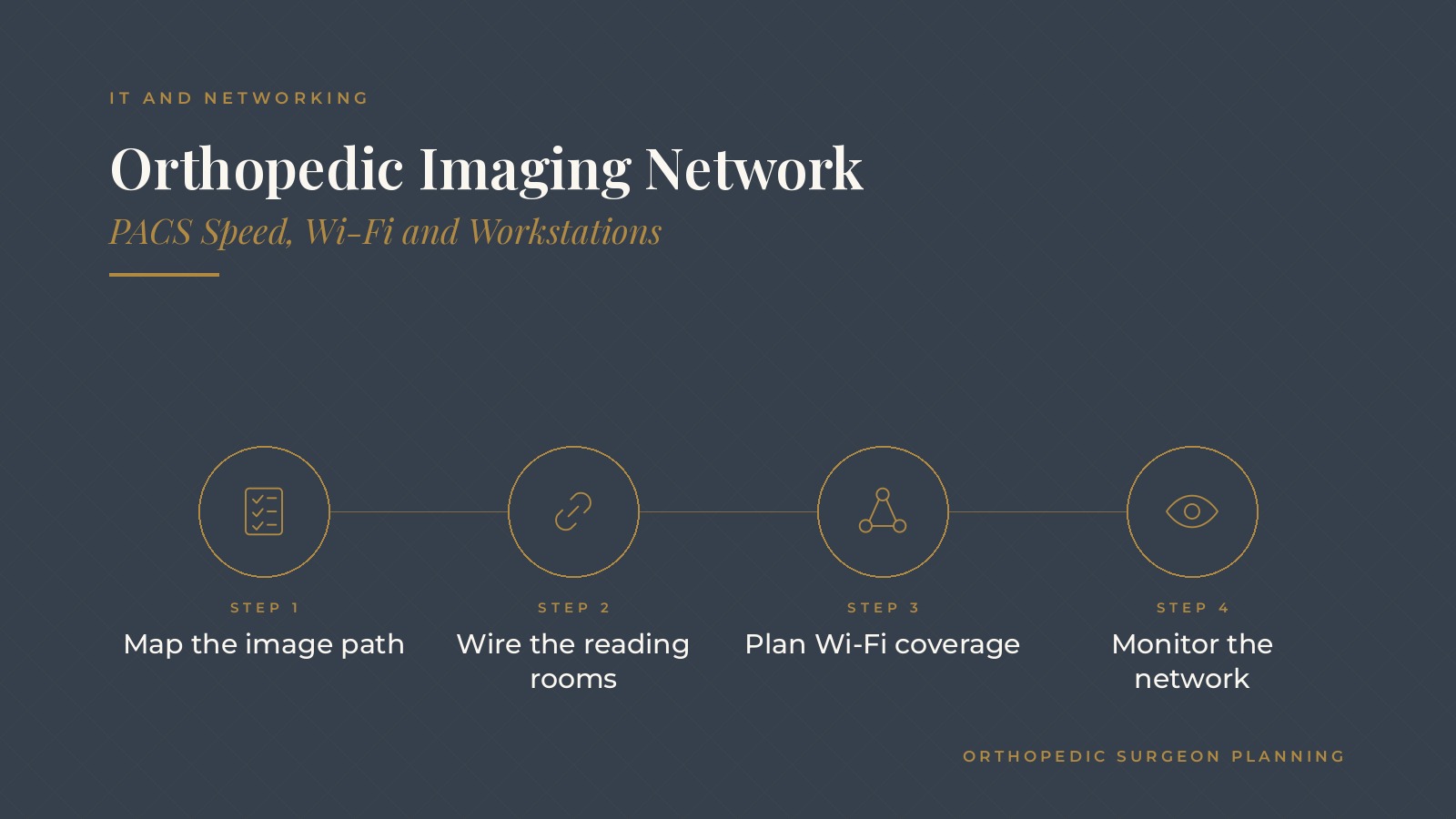
Orthopedic Imaging Network | PACS Speed, Wi-Fi and Workstations
An orthopedic imaging network is the set of cables, switches, Wi-Fi access points, servers and connections that move X-ray, MRI and CT images from the equipment that captures them to the screens where surgeons and staff view them. When it is slow, exam rooms wait and the clinic day backs up.
In short, a fast orthopedic imaging network usually depends on mapping how images travel, wiring reading rooms and exam room workstations, planning Wi-Fi for tablets and laptops, sizing the links between offices and the image archive, and monitoring performance before small slowdowns become daily delays.
This guide from Orthopedic Surgeon Planning explains how images move through PACS, wired and wireless connections, switches, workstations, multi-site links, monitoring and the questions practices often bring to an IT and networking professional.
Key takeaways
- Imaging files are large, so the network path matters.
- Wire reading rooms and fixed workstations where possible.
- Plan Wi-Fi coverage for tablets and laptops in clinic areas.
- Size links between offices and the image archive for peak hours.
- Monitor the network so slowdowns are caught early.
How images move on an orthopedic imaging network
From modality to archive
X-ray, CT and MRI equipment sends images to a picture archiving and communication system, often called PACS, which stores them and makes them available to viewers.
From archive to screen
When a surgeon opens a study in an exam room, the workstation pulls images from PACS across the network. Large studies make every slow link easy to feel.
Where the delays hide
Slowdowns can come from an older switch, a congested Wi-Fi channel, a busy internet link to a cloud archive or a workstation that needs an update. Mapping the path shows where to look first.
Wired connections and switches
Wire what does not move
Reading rooms, imaging rooms and fixed exam room workstations usually work best on wired connections, which are steadier and faster than Wi-Fi for large files.
Switch capacity
Business grade switches with gigabit or faster ports on workstations, and faster links between switches and the server room, keep images flowing during busy clinic blocks.
Separate traffic
Many practices place imaging equipment and PACS on their own network segment so large image transfers do not compete with guest Wi-Fi or office traffic.
The orthopedic practice cybersecurity basics guide covers how network segments also support security.
Orthopedic Surgeon Planning can introduce you to independent IT and networking professionals who work with orthopedic practices on network design, imaging workstations and connections between offices. To request an introduction, contact us or call or text (972) 616-4581. You can also read about orthopedic practice network security.
Planning Wi-Fi for clinic areas
Coverage where people work
Tablets and laptops used in exam rooms, hallways and the therapy gym need strong signal in each spot. A wireless survey shows where access points belong.
Enough access points
Placing more access points at lower power often works better than a few strong ones, especially in buildings with thick walls or lead lined imaging rooms.
Interference and roaming
Microwaves, thick walls and crowded channels can weaken signal. Setting access points to hand devices off smoothly as staff walk between rooms keeps tablets connected during rounds.
Separate networks
Staff devices, guest devices and building systems usually sit on separate wireless networks so each gets the right access and guests never share the clinical network.
Workstations and viewing screens
Matched to the task
Exam room screens for reviewing studies with patients and reading room displays for detailed review have different needs. Matching hardware to the task puts the most capable screens where detailed review happens.
Keep them current
Older workstations with limited memory can be slow to open large studies even on a fast network. A replacement schedule keeps the slowest machines from holding up the day.
Updates and drivers
Operating system updates, display drivers and viewer software updates are tested and rolled out on a set rhythm so workstations stay stable.
The orthopedic IT support guide explains how practices organize updates and support requests.
Connecting offices and the image archive
Links between locations
Groups with several offices often view images captured at another site. The link between offices needs enough speed for peak hours, not only average days.
Cloud and hosted archives
When PACS or image storage is hosted in the cloud, the internet connection at each office becomes part of the imaging path, and a backup connection keeps viewing possible if the main link fails.
Caching and prefetching
Some PACS setups load scheduled patients' prior studies to local storage before clinic starts, which shortens wait times when a surgeon opens them.
The orthopedic cloud services guide covers how hosted systems fit into practice IT.
Monitoring and support
Watch the network
Monitoring tools track switch health, link usage and Wi-Fi performance so the IT team sees congestion or failing hardware before staff report slow images.
A simple slowdown report
A short form or ticket category for slow image loading, with the room, time and study type, helps the IT team spot patterns.
Regular health checks
A quarterly review of switch logs, Wi-Fi channel use, workstation age and link usage during the busiest clinic blocks gives the practice a steady picture of network health and an early warning when upgrades are due.
Planned changes
New imaging equipment, a new office or added exam rooms are planned with the IT team early, so cabling, switch ports and bandwidth are ready on opening day.
Questions to raise with an IT and networking professional
Assessment questions
Practices often ask how to map their current imaging path, which links or devices cause the most delay and whether a wireless survey is needed.
Design questions
Other common topics include segmenting imaging traffic, sizing links between offices and adding a backup internet connection for hosted archives.
Ongoing support questions
An IT and networking professional can help a practice set up monitoring, plan workstation replacements and prepare the network for new equipment or locations.
Frequently asked questions
What is an orthopedic imaging network?
It is the cabling, switches, Wi-Fi, servers and connections that carry X-ray, MRI and CT images from imaging equipment to PACS and to the screens where staff view them.
Why do orthopedic images load slowly?
Common causes include older switches, congested Wi-Fi, slow links between offices or to a cloud archive and workstations that need more memory or updates.
Should imaging workstations use Wi-Fi or wired connections?
Fixed workstations in reading rooms, imaging rooms and exam rooms usually work best on wired connections, with Wi-Fi reserved for tablets and laptops.
What is PACS prefetching?
Prefetching loads prior studies for scheduled patients to local storage before clinic begins so they open faster when a surgeon reviews them.
How do practices catch network slowdowns early?
Many use monitoring tools for switches, links and Wi-Fi and give staff a simple way to report slow image loading with the room and time.
Request an introduction
Orthopedic Surgeon Planning can introduce you to independent IT and networking professionals who work with orthopedic practices on imaging network design, Wi-Fi coverage, workstations and multi-site connections. Learn more about orthopedic practice network security, then take the short Orthopedic Surgeon Planning Business survey and request an introduction. You can also call or text (972) 616-4581, or contact us. The form goes to [email protected].



