
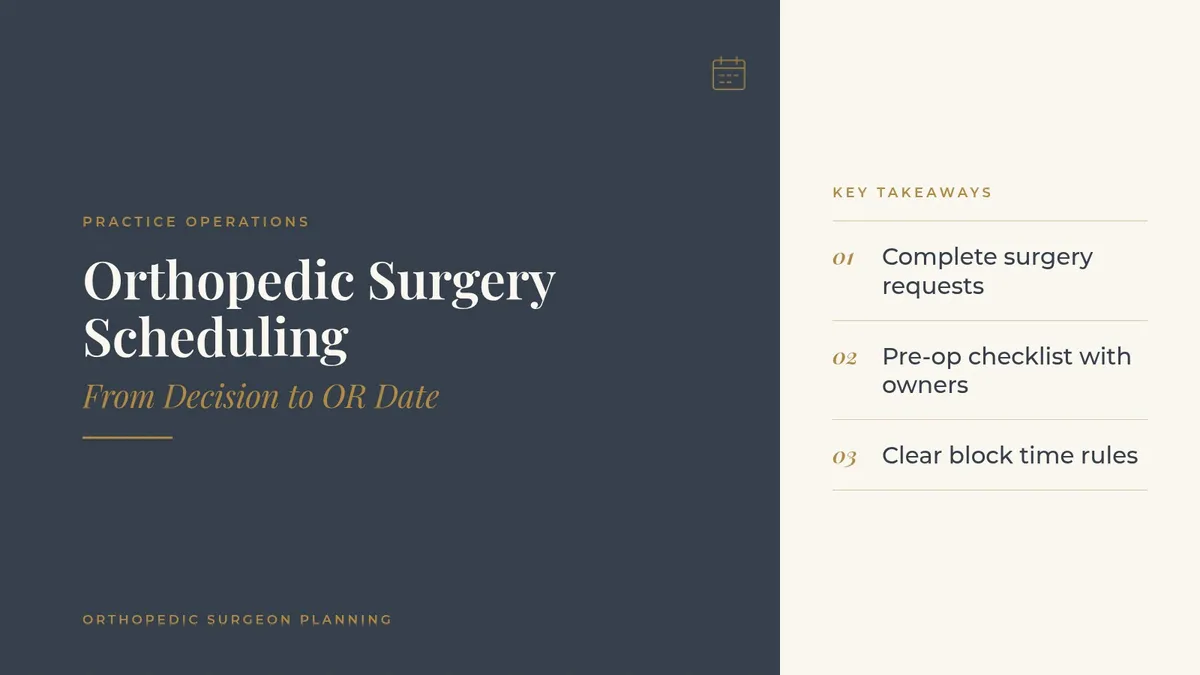
Orthopedic Surgery Scheduling: From Decision to OR Date
Orthopedic surgery scheduling is where a good clinic visit either turns into a smooth surgical day or into weeks of phone tag. The surgeon and patient agree on a plan in the exam room, and then a long list of tasks begins: picking the facility, holding an OR date, arranging pre-op visits, ordering equipment, confirming the implant and the vendor representative, and keeping the patient informed the whole way.
When those tasks live in one coordinator's head, cases slip, patients call repeatedly and surgeons lose block time. This guide lays out a practical orthopedic surgery scheduling workflow that a surgery coordinator, a practice administrator and the surgeons can run together, whether the case is a knee arthroscopy, a rotator cuff repair, a fracture fixation or a joint replacement.
Key takeaways
Start the surgical workflow in the exam room with a complete, standard surgery request.
Give every case a pre-op checklist with owners and due dates.
Manage block time with clear release rules and a short waitlist.
Make one coordinator the patient's main point of contact.
Track a few operational numbers and review cancellations by reason.
Why orthopedic surgery scheduling needs its own workflow
Many moving parts for every case
An orthopedic case touches more people than most outpatient procedures. The surgeon, the surgery coordinator, the hospital or ambulatory surgery center, the anesthesia team, the implant vendor, the patient's primary care physician for pre-op clearance, physical therapy for prehab or post-op visits and the durable medical equipment team may all need something before the patient reaches the OR. Each handoff is a chance for a case to stall.
Block time is valuable and easy to lose
Most orthopedic surgeons work within assigned block time at one or more facilities. Unfilled blocks may be released to other services, and a surgeon who repeatedly releases time can lose it. A scheduling workflow that fills blocks early and backfills cancellations protects the surgeon's operating days.
Patients are anxious and want clear answers
A patient planning a hip replacement or an ACL reconstruction has questions about dates, time off work, help at home and what to expect. When nobody calls back, patients lose confidence in the practice even if the surgery itself goes well. Good scheduling is part of the patient experience.
Step 1: Start with a complete surgery request
Capture the decision in the exam room
The moment the surgeon and patient agree on surgery, the details should go into a standard surgery request form in the EHR, not a free-text note. A complete request usually includes:
Procedure and side (left or right)
Preferred facility and any facility the patient cannot use
Estimated case length and position
Implant system, vendor and any special equipment
Assistant or first-assist needs
Pre-op requirements the surgeon wants, such as clearance, labs or imaging
Target timeframe (urgent, next available, or patient-preferred window)
Hand off before the patient leaves
If possible, the patient meets the surgery coordinator, or at least receives the coordinator's direct line and a printed or texted summary, before leaving the clinic. That single handoff prevents many of the "I never heard back" calls that follow.
Step 2: Build a pre-op checklist for every case
Standard items with owners
A pre-op checklist turns a long to-do list into a shared, visible plan. Each item gets an owner and a due date counted back from the surgery date:
Payer authorization requested and confirmed
Medical clearance from the primary care physician or specialist, if the surgeon requires it
Labs, EKG or imaging ordered and results received
Pre-op education or joint class scheduled for replacement patients
Braces, slings, cold therapy or other equipment ordered
Post-op visit and physical therapy start date booked
Readiness review before the surgery date
About a week before each case, the coordinator reviews the checklist. Any open item gets a call that day. A second quick check a few days later confirms that clearance notes and results are actually in the chart and visible to the facility. Missing paperwork found early is a phone call; missing paperwork found the morning of surgery is a cancellation.
Step 3: Manage block time and the OR calendar
Fill blocks early
Coordinators should see each surgeon's blocks several weeks out and book cases into them as soon as requests arrive. A shared view of all surgeons' blocks helps the practice spot open time that another surgeon in the group could use.
Set release and add-on rules
Agree in advance on when unused time is released and how urgent cases are added. For example, a fracture that needs fixation within days may take priority over an elective case that can move. Written rules keep these decisions from becoming daily negotiations.
Keep a short-notice list
Some patients are flexible and would gladly take an earlier date. Keep a list of patients who are fully cleared and willing to come in on short notice. When a case cancels, the coordinator can offer the slot to someone who is ready instead of losing the time.
Step 4: Keep patients informed
One point of contact
Patients should know exactly who to call about their surgery. A direct line or a dedicated phone menu option for surgery scheduling keeps those calls out of the general queue. An independent VoIP professional can review whether your phone system routes surgery calls the way your coordinators work.
A clear patient packet
Send a short packet as soon as the date is set: the date and facility, arrival instructions from the facility, the pre-op checklist in plain language, what to bring and who to call with questions. Keep it simple and specific to the procedure.
Planned touchpoints
Rather than waiting for patients to call, schedule outreach at set points: when the date is booked, when the pre-op items are complete, a few days before surgery and the day after. Planned touchpoints reduce inbound calls and catch problems, such as a missed clearance appointment, while there is still time to fix them.
Step 5: Handle cancellations and reschedules
Track the reason every time
When a case cancels or moves, record the reason in a consistent field: patient request, illness, missing clearance, authorization not ready, facility change, surgeon schedule. Over a few months, the pattern shows which steps of the workflow need attention.
Rebook quickly
Offer a new date during the same call whenever possible, and update the checklist due dates automatically. Then turn to the short-notice list to fill the open slot.
Measure the workflow and support the coordinators
A few operational numbers
Review these monthly with the surgeons and the practice administrator:
Days from surgery decision to surgery date, by service line
Share of cases with a complete checklist one week before surgery
Cancellations within a week of surgery, grouped by reason
Open block time released, by surgeon
Inbound patient calls per scheduled case
Staffing and training
Surgery coordination is a skilled role. Coordinators need training on each surgeon's preferences, each facility's requirements and the practice's systems. Cross-train at least one backup so vacations and turnover do not stall the schedule, and keep a written playbook that a new coordinator can follow from day one.
Technology that connects the steps
Look for surgery scheduling tools in your EHR or practice management system that create tasks from the surgery request, show checklist status at a glance and send reminders to patients. Two-way texting, e-signature for forms and a shared calendar with the facility all save phone time. The same thinking applies to new patients; see our guide to orthopedic patient intake from the first call to check-in. Your website can also answer common pre-op questions; our article on orthopedic website design by body part and condition shows how to organize procedure pages.
Frequently asked questions
What does an orthopedic surgery coordinator do?
A surgery coordinator turns the surgeon's plan into a scheduled case: booking the facility and OR time, managing the pre-op checklist, ordering equipment, communicating with the patient and rebooking when a case moves.
How far ahead should orthopedic surgery be scheduled?
It depends on the case, the surgeon's block time and the pre-op steps required. Elective joint replacements often need more lead time for clearance and education, while fractures may need to be added within days.
How can a practice reduce last-minute surgery cancellations?
Use a complete surgery request, a pre-op checklist with owners and due dates, a readiness review about a week before surgery and a consistent record of every cancellation reason.
Should each orthopedic surgeon have a dedicated coordinator?
Busy surgeons often do, while smaller groups may share coordinators by service line or location. Either way, cross-training a backup keeps the schedule moving during absences.
What technology helps with orthopedic surgery scheduling?
Surgery scheduling modules in the EHR or practice management system, task lists tied to each case, two-way patient texting, e-signature and a shared calendar with the surgical facility.
Request an introduction
Orthopedic Surgeon Planning can introduce you to independent practice operations, IT and phone system professionals who work with orthopedic practices. Take the short Ortho Business survey and request an introduction. Call or text (972) 616-4581, or contact us about practice operations introductions for your orthopedic group. The form goes to [email protected].
This article is general information about practice operations. Orthopedic Surgeon Planning is an introduction service connecting physicians with independent professionals. Please read our disclaimer.